
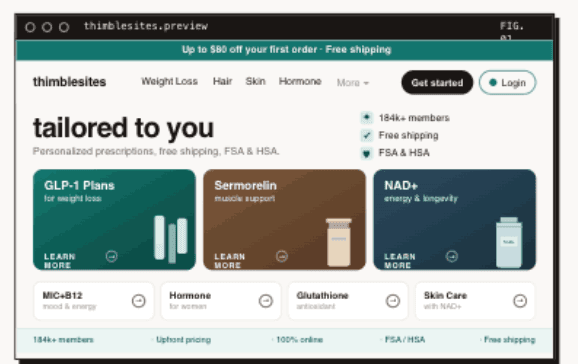
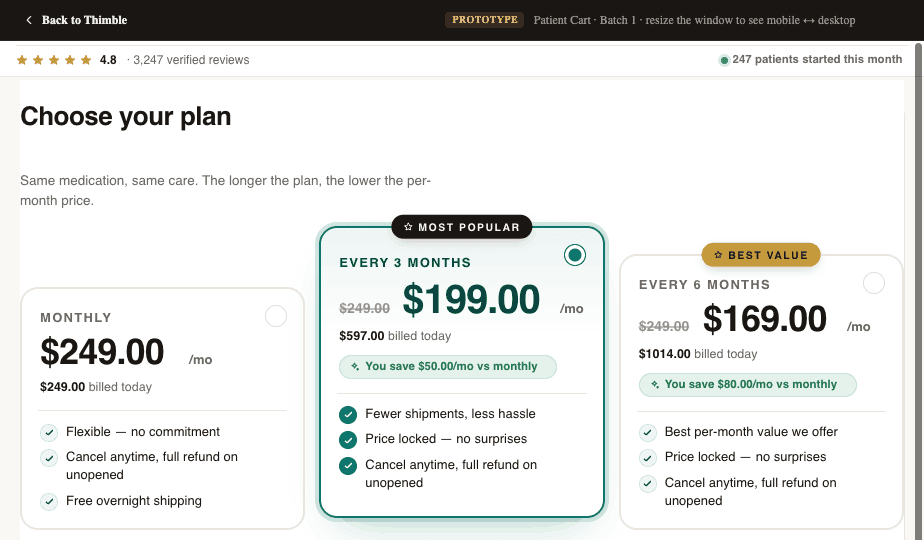

A patient completes checkout at 2 PM. At 2:01 PM, their payment is confirmed in Stripe. By 2:05 PM, their intake data should be in your EHR, their record should exist in your CRM, the provider network should have everything they need to initiate a consultation, and the patient should receive a confirmation email with next steps.
In reality, this kind of delay is common in legacy telehealth ops. We routinely see operations where there's a 24-48 hour gap between checkout and the provider receiving the patient's information. Or the CRM record is created but missing the intake responses. Or the attribution data that marketing needs is lost entirely. Every one of these gaps is a patient experience failure that drives churn, support tickets, and negative reviews.
The Data Flow Problem in Telehealth
A typical telehealth operation involves 5-10 distinct systems that need to share data: marketing site, checkout/payment processor, intake form builder, EHR/EMR, CRM, provider network, pharmacy, patient portal, analytics, and communication tools (email/SMS). Each system has its own data format, API, and timing requirements.
The problem isn't that these systems can't talk to each other. It's that the integrations are often built ad-hoc, with different people building different connections at different times. The result is a fragile data pipeline with gaps, duplications, and race conditions that create patient experience failures.
- Patient pays but intake data doesn't reach the provider for 24+ hours
- CRM record is created without attribution data, so marketing can't track ROI
- Pharmacy receives prescription but doesn't have the patient's shipping address
- Patient portal shows 'pending' indefinitely because the status webhook failed silently
- Provider network creates a duplicate patient record because the data format didn't match
The 5 Critical Data Handoffs in Telehealth
1. Checkout → CRM + EHR
When a patient completes payment, a patient record needs to be created (or updated) in both your CRM and your EHR/EMR. This record should include contact information, plan selection, intake responses, payment confirmation, and attribution data (UTM source, campaign, etc.).
The CRM record drives your operations team's workflow. The EHR record drives clinical operations. Both need to be created within minutes of checkout, not hours.
2. Checkout → Provider Network
Your provider network (OpenLoop, Wizlo, MDI, etc.) needs the patient's intake data, treatment selection, and state of residence to assign a provider and initiate the consultation. The format requirements vary by network. Some accept JSON via API, others need data in specific field formats. Getting this mapping wrong means manual intervention for every patient.
3. Provider → Pharmacy
After the provider completes the consultation and writes a prescription, the e-prescribing system routes it to the pharmacy. This handoff is typically handled by the provider network's EMR, but your operations team needs visibility into the status: prescription sent, pharmacy received, dispensed, shipped.
4. All Systems → Patient Portal
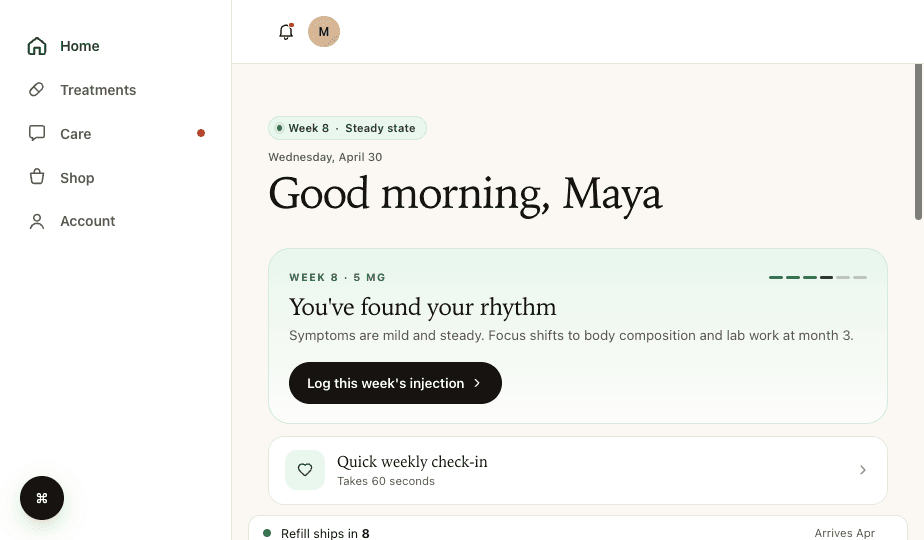
The patient portal aggregates status from all backend systems into a unified patient-facing view. Checkout status from Stripe, consultation status from the provider network, prescription status from the pharmacy, and messaging from the CRM all feed into the portal. Any break in this chain means the patient sees stale or missing information.
5. Checkout → Analytics
Conversion events need to fire to Google, Meta, and your analytics platform at the moment of checkout completion. Attribution data (first-touch UTM, click IDs) needs to be attached to the conversion event. Missing or delayed analytics events mean your ad platforms can't optimize targeting and your marketing team can't evaluate channel performance.
Building Reliable Data Routing
Webhooks as the Foundation
Event-driven architecture using webhooks is the standard pattern for telehealth data routing. When an event occurs (checkout completed, prescription sent, shipment created), the source system fires a webhook to downstream systems. This is faster and more reliable than polling or batch syncing.
- Idempotent handlers: Webhooks can fire multiple times. Your handlers must produce the same result regardless of how many times they receive the same event.
- Retry logic: When a downstream system is temporarily unavailable, webhooks should retry with exponential backoff, not fail silently.
- Dead letter queues: Events that fail after all retries should be captured for manual review, not lost.
- Payload validation: Validate incoming webhook data before processing. Malformed payloads should be logged and flagged, not processed partially.
Automation Platforms
For operations that don't warrant custom code, automation platforms connect systems via no-code workflows:
- Zapier: Broadest integration library, easiest to set up. Good for CRM and communication workflows. Less reliable for high-volume, critical-path operations.
- Make (Integromat): More sophisticated logic and branching than Zapier. Better for complex multi-step workflows.
- n8n: Self-hosted option for HIPAA-sensitive workflows where data can't pass through third-party cloud services.
- Keragon: Healthcare-specific automation platform with built-in HIPAA compliance.
Data Normalization: The Hidden Challenge
Every system stores data differently. Your intake form might capture state as 'New York,' your provider network wants 'NY,' and your pharmacy system needs 'new york.' Phone numbers might be '(555) 123-4567' in one system and '+15551234567' in another.
A normalization layer between your checkout and all downstream systems ensures data arrives in the format each system expects. This is tedious to build but saves enormous operational overhead. Without it, you'll have a team member manually fixing data formatting issues every day.
The Bottom Line
Data routing isn't sexy infrastructure work, but it's the most impactful investment a telehealth operator can make for patient experience and operational efficiency. Every minute of delay between checkout and provider notification is a minute the patient wonders if their payment went through. Every missing CRM field is a marketing insight you'll never recover.
Build your data pipeline with the critical path (checkout → provider → pharmacy → portal) as the top priority. Use webhooks with retry logic and dead letter queues for reliability. Normalize data between systems. And monitor the pipeline actively. The worst data routing failures are the ones no one notices until a patient complains.
Frequently Asked Questions
- What's the biggest data routing mistake in telehealth?
- Silent failures. Many operators build webhook integrations without proper retry logic, dead letter queues, or monitoring. When a downstream system is temporarily unavailable, the webhook fails, the data is lost, and no one notices until a patient contacts support. Always build retry logic and alerting into your critical data paths.
- Do I need Zapier or can I use native integrations?
- It depends on your systems. If your checkout, CRM, and provider network all have native API integrations, direct webhooks are more reliable than Zapier for critical paths. Use Zapier/Make for non-critical workflows (Slack notifications, spreadsheet updates, marketing automation) where occasional failures aren't patient-impacting.
- How do I handle HIPAA compliance in data routing?
- Every system that processes PHI (patient health information) needs a BAA (Business Associate Agreement) with your organization. This includes CRMs and any middleware that touches PHI. Note that Zapier does not offer HIPAA-compliant plans and cannot sign BAAs, so it should not be used for workflows involving PHI. For the most sensitive data routing, self-hosted solutions (like n8n) or healthcare-specific platforms (like Keragon) keep data within your controlled environment.
Building a telehealth brand?
Thimble Hub gives you the checkout, intake, patient portal, and EHR-routing infrastructure so you can launch in weeks, not quarters. Modular, HIPAA-ready, no lock-in.